GTA VI Lucia Wardrobe Customization
visualizações76,537
curtidas431
comentários11
compartilhamentos19
salvos221
citações1
# GTA VI — LUCIA'S WARDROBE CUSTOMIZATION

## REFERENCE IMAGES — STRICT CHARACTER AND UI GUIDANCE

Use all four provided reference images according to their specific purposes.

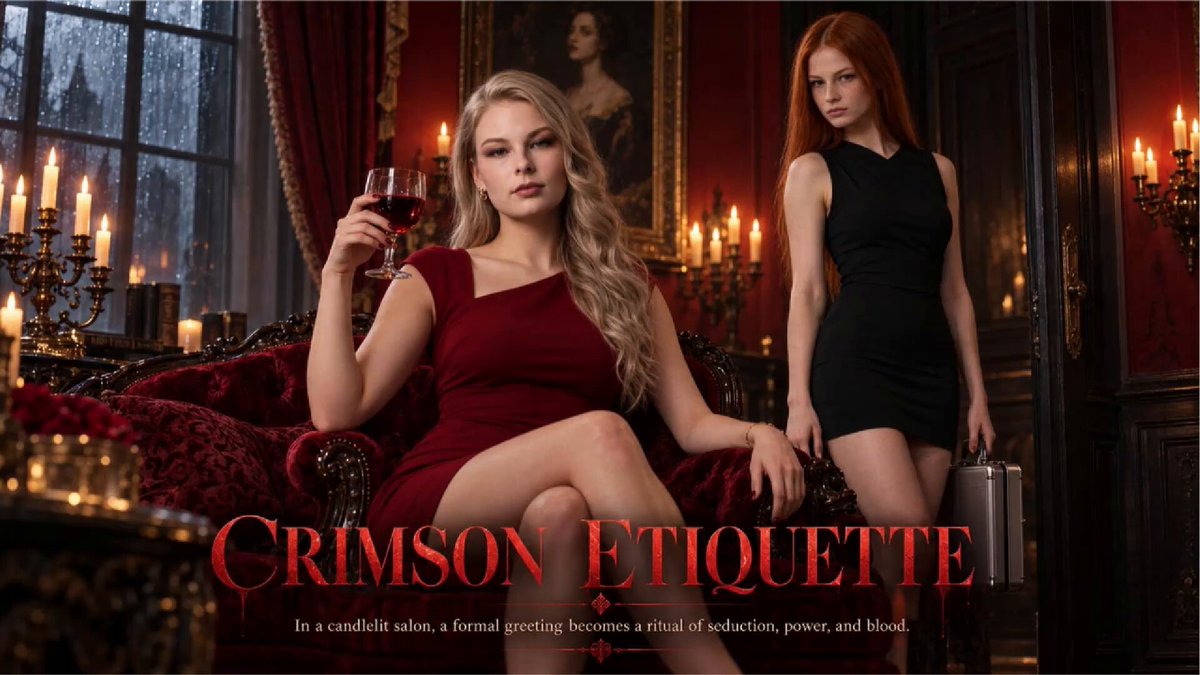
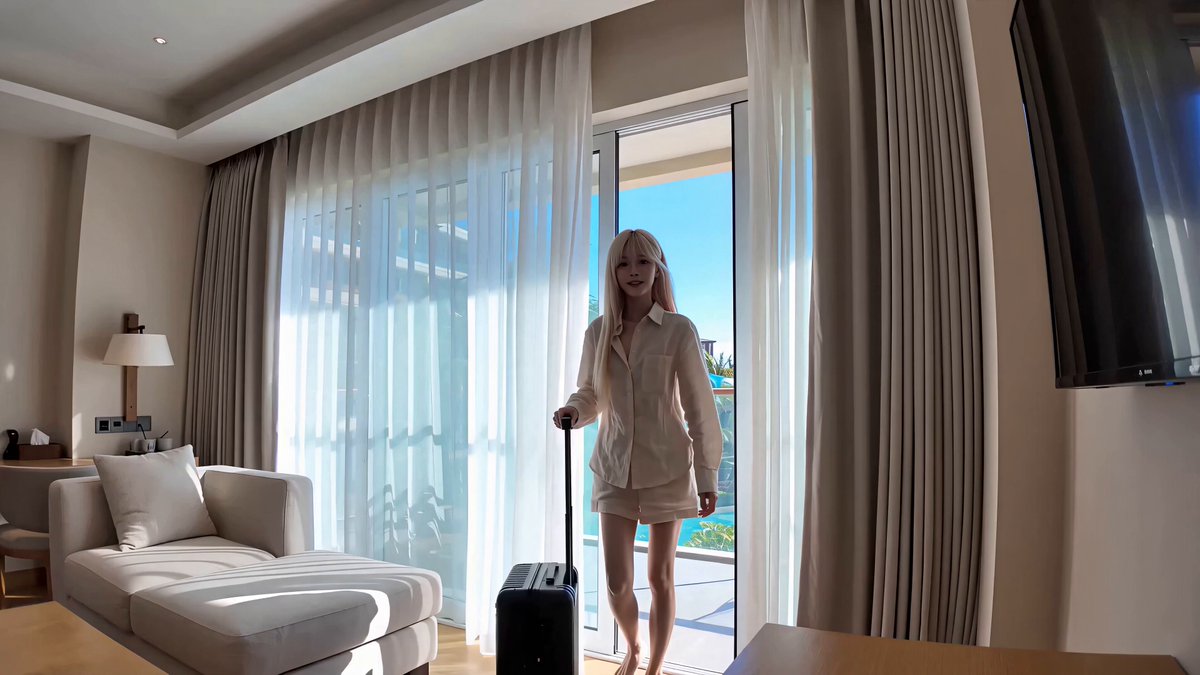
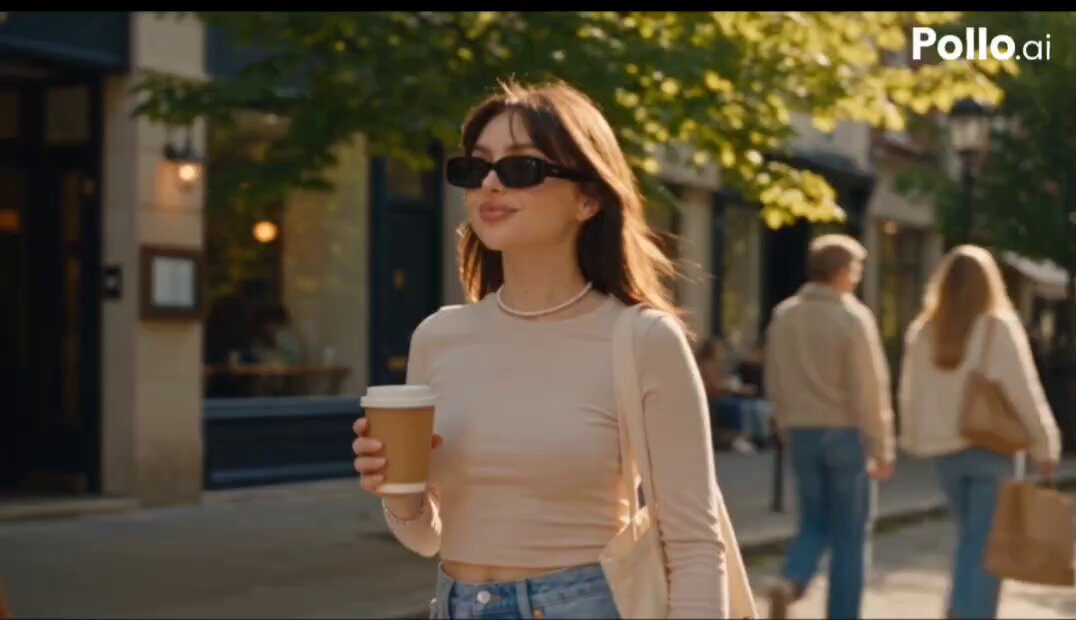
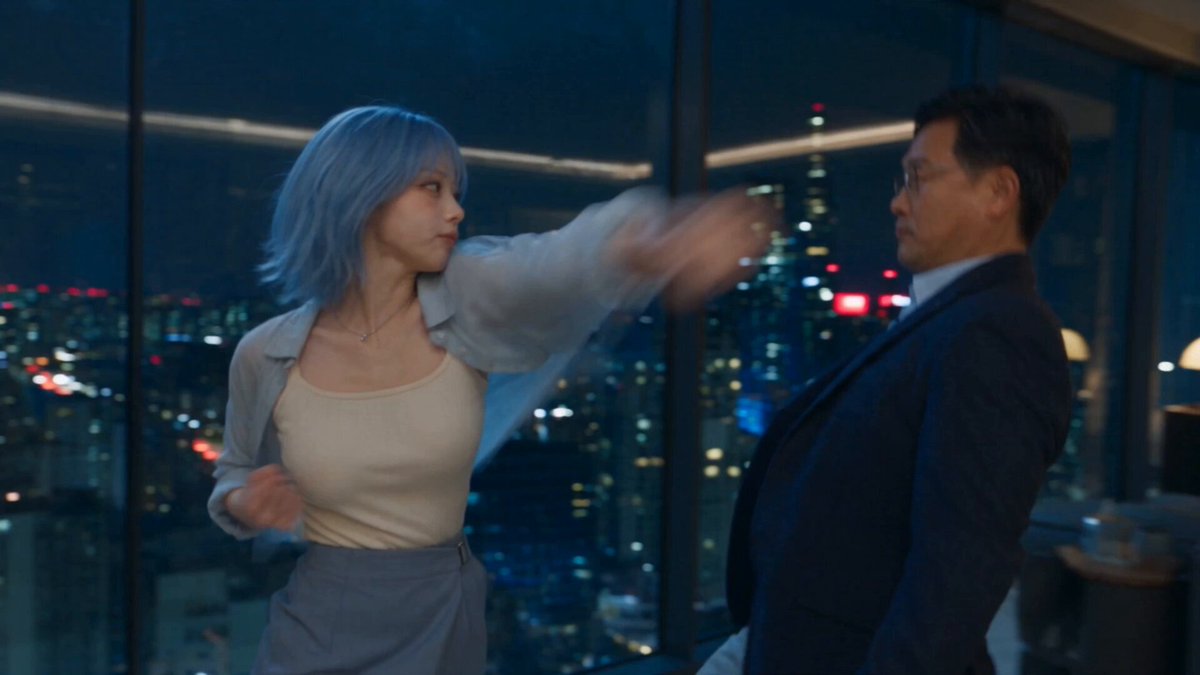
@Image1 — LUCIA'S FACE
Use Reference 1 as a primary identity reference for Lucia's facial features. Preserve her recognizable face, facial structure, eyes, nose, lips, and overall identity throughout the entire video.

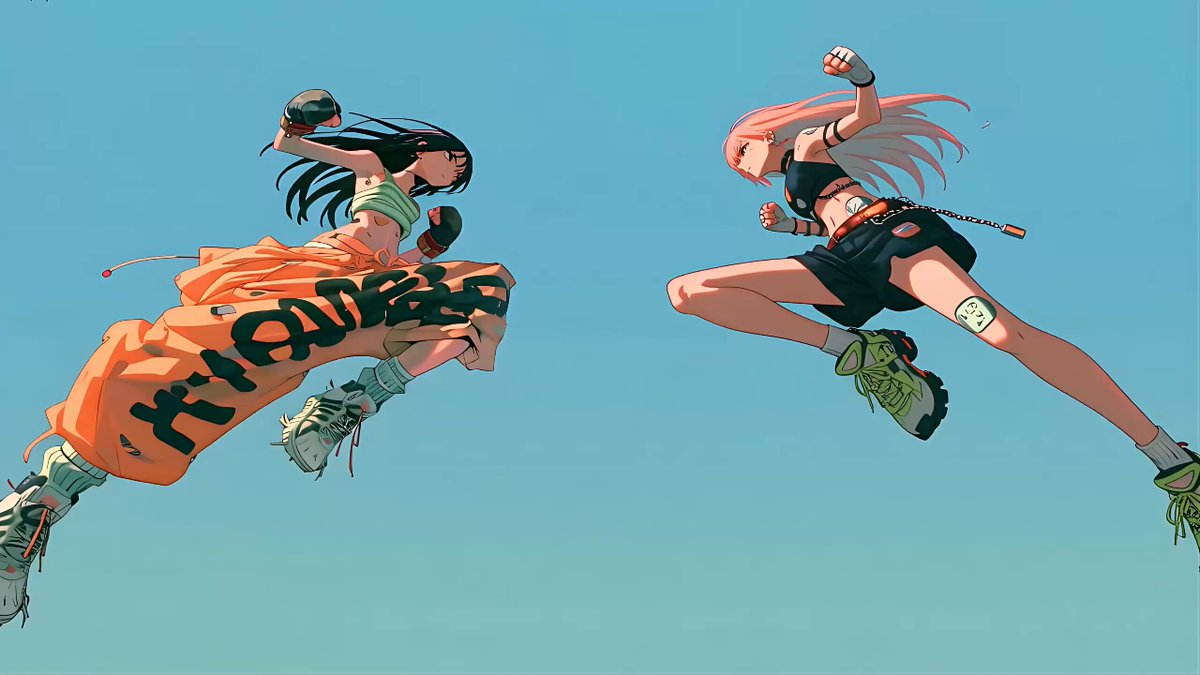
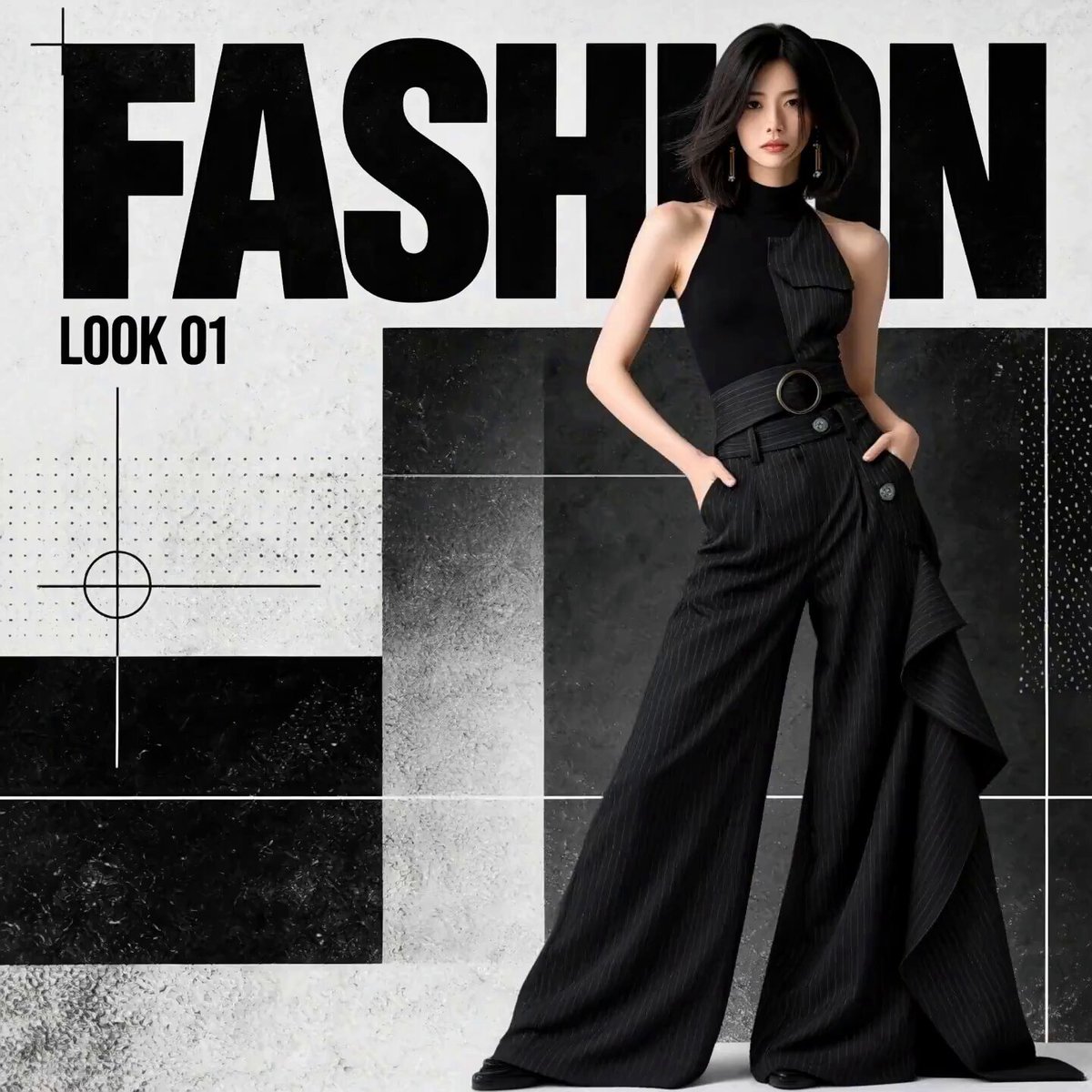
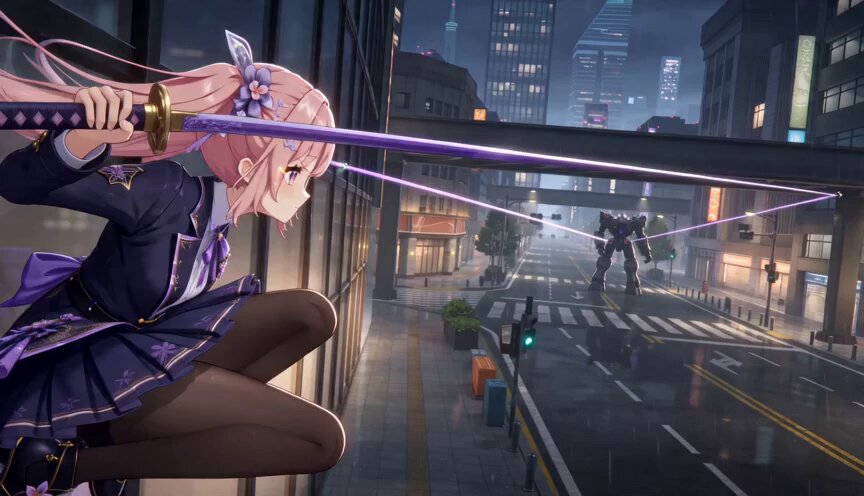
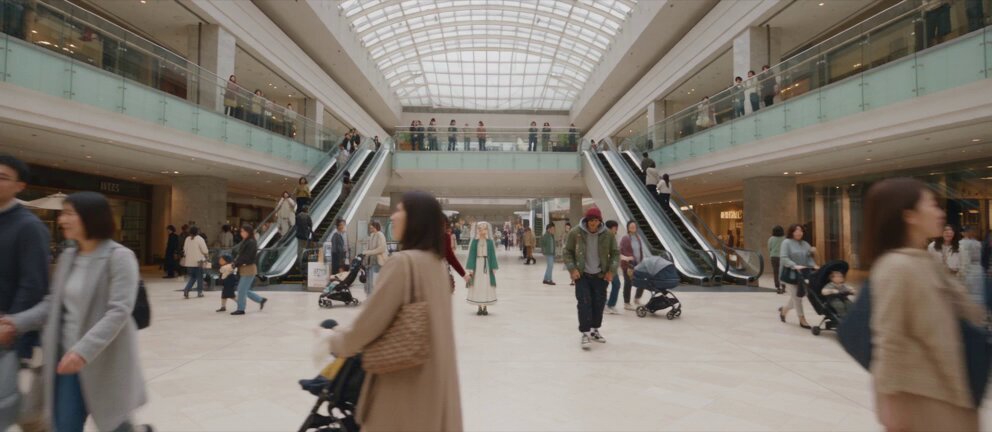
@Image2 — LUCIA'S FACE FROM ANOTHER ANGLE
Use Reference 2 as an additional identity reference to ensure that Lucia's face remains consistent when viewed from different camera angles. Combine References 1 and 2 to establish a stable, recognizable character identity.

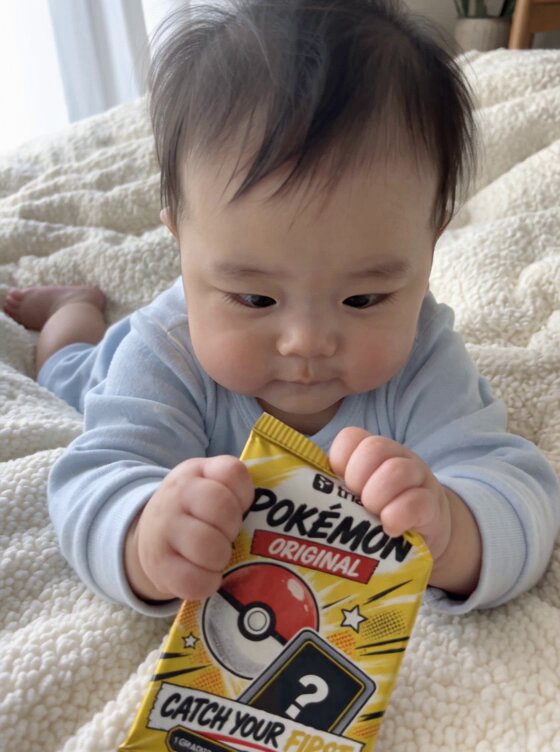
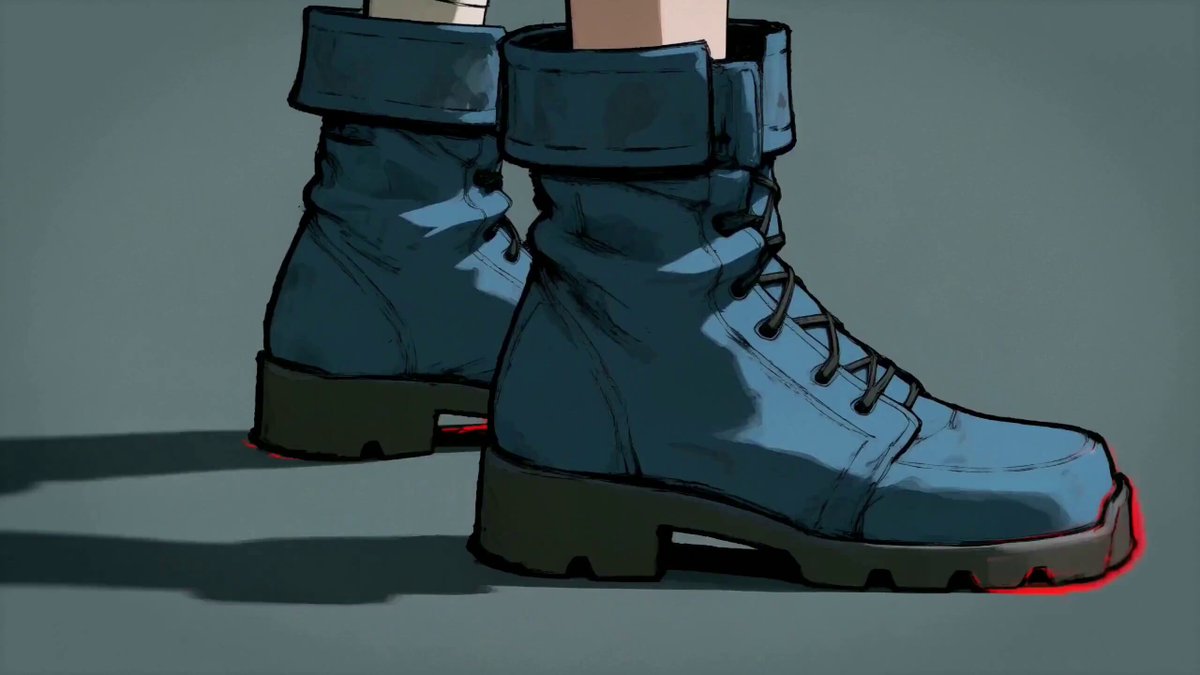
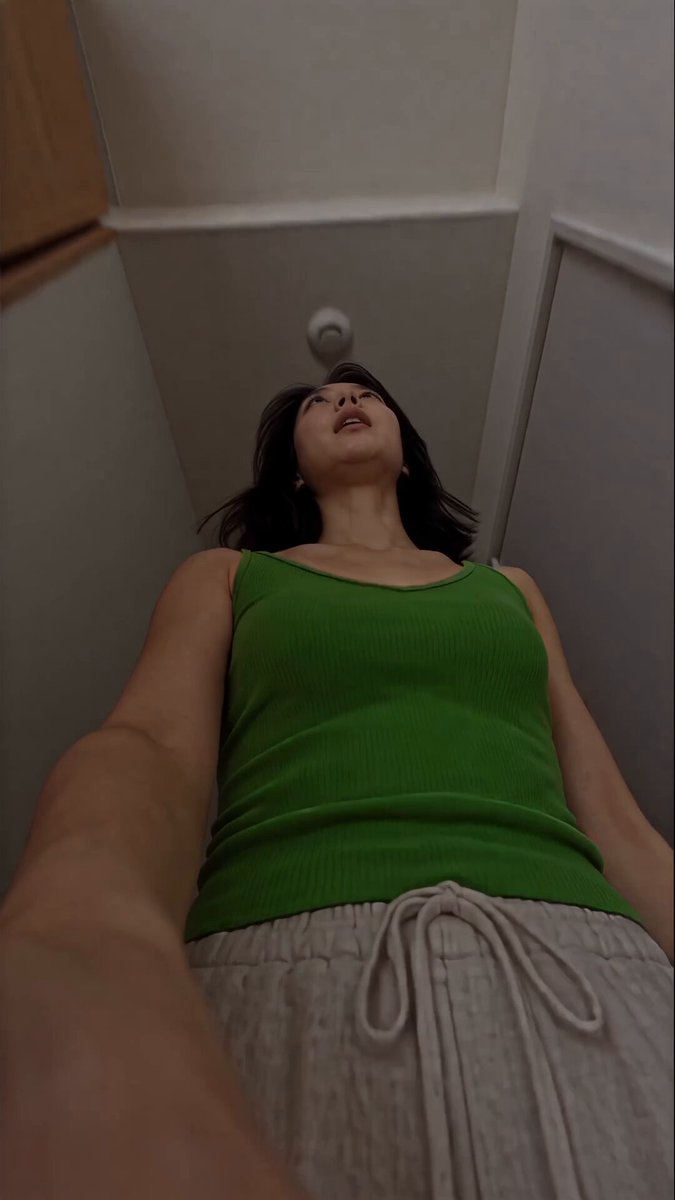
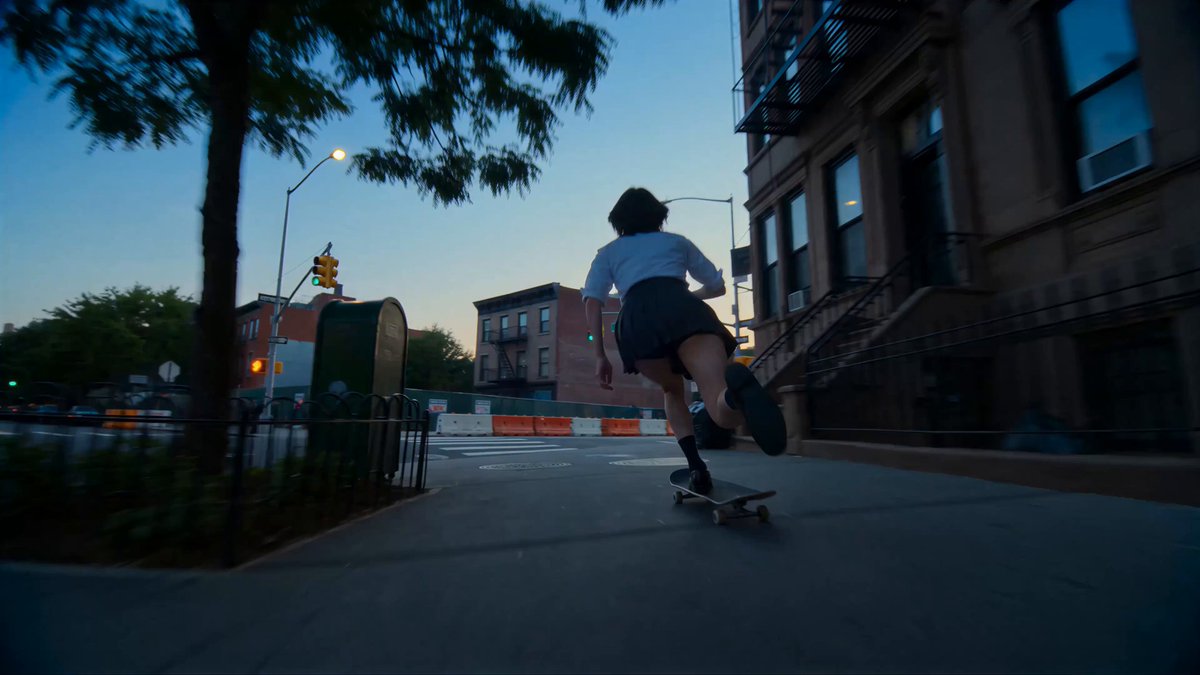
@Image3 — LUCIA'S APPEARANCE AND HAIRSTYLE
Use Reference 3 as the definitive reference for Lucia's hairstyle. Reproduce this hairstyle as accurately as possible, including its shape, length, color, texture, and styling.

Lucia's hairstyle must remain absolutely unchanged throughout the entire video, including every outfit transition and camera change. Never restyle, shorten, lengthen, recolor, or otherwise modify her hair.

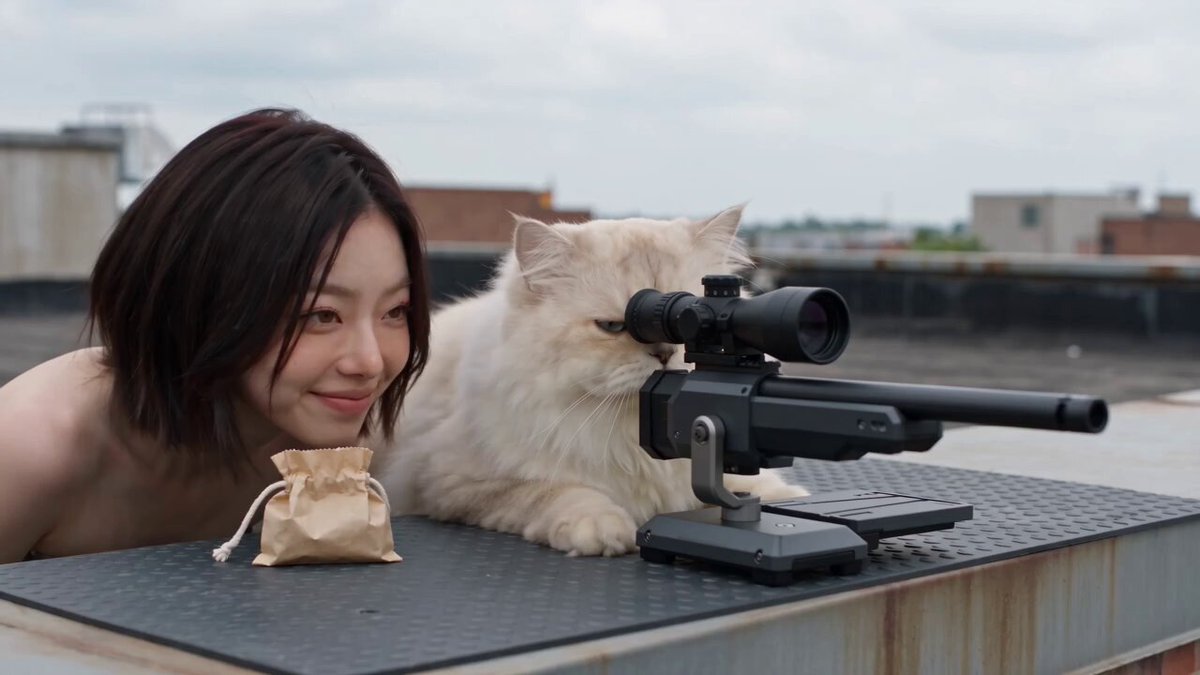
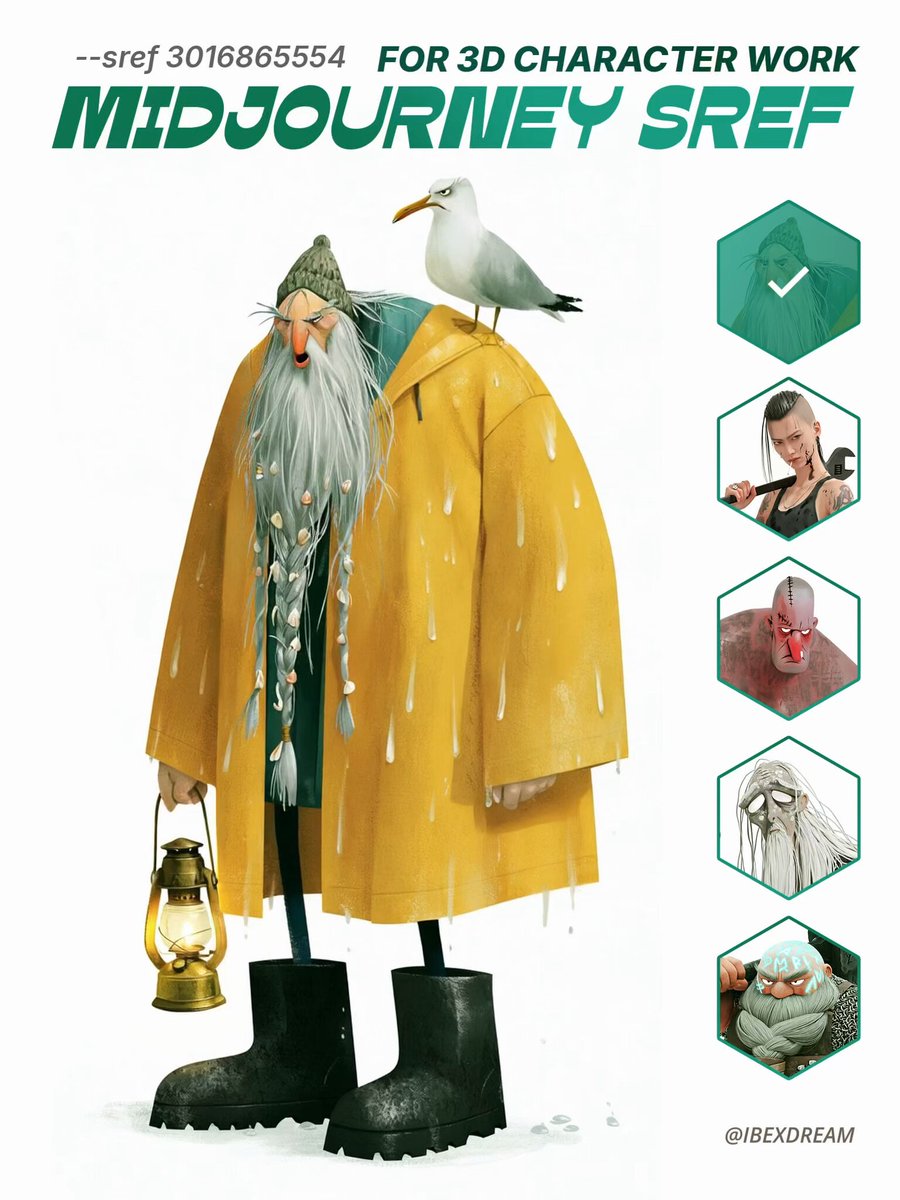
 — GTA-STYLE MINIMAP
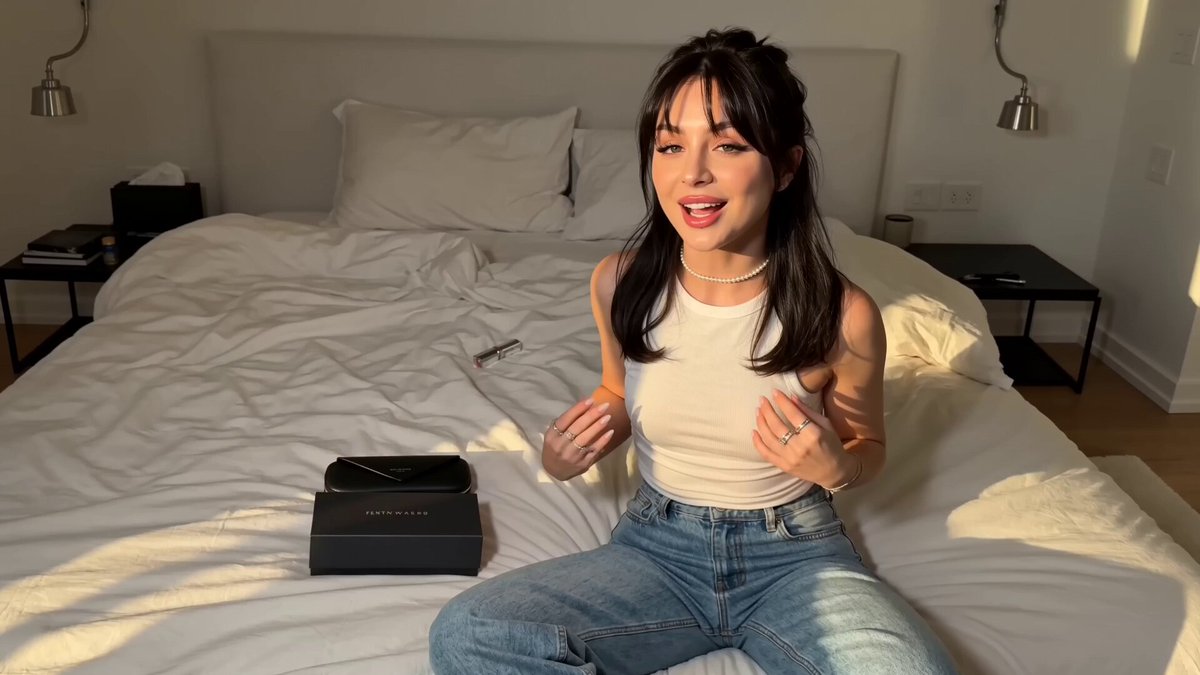
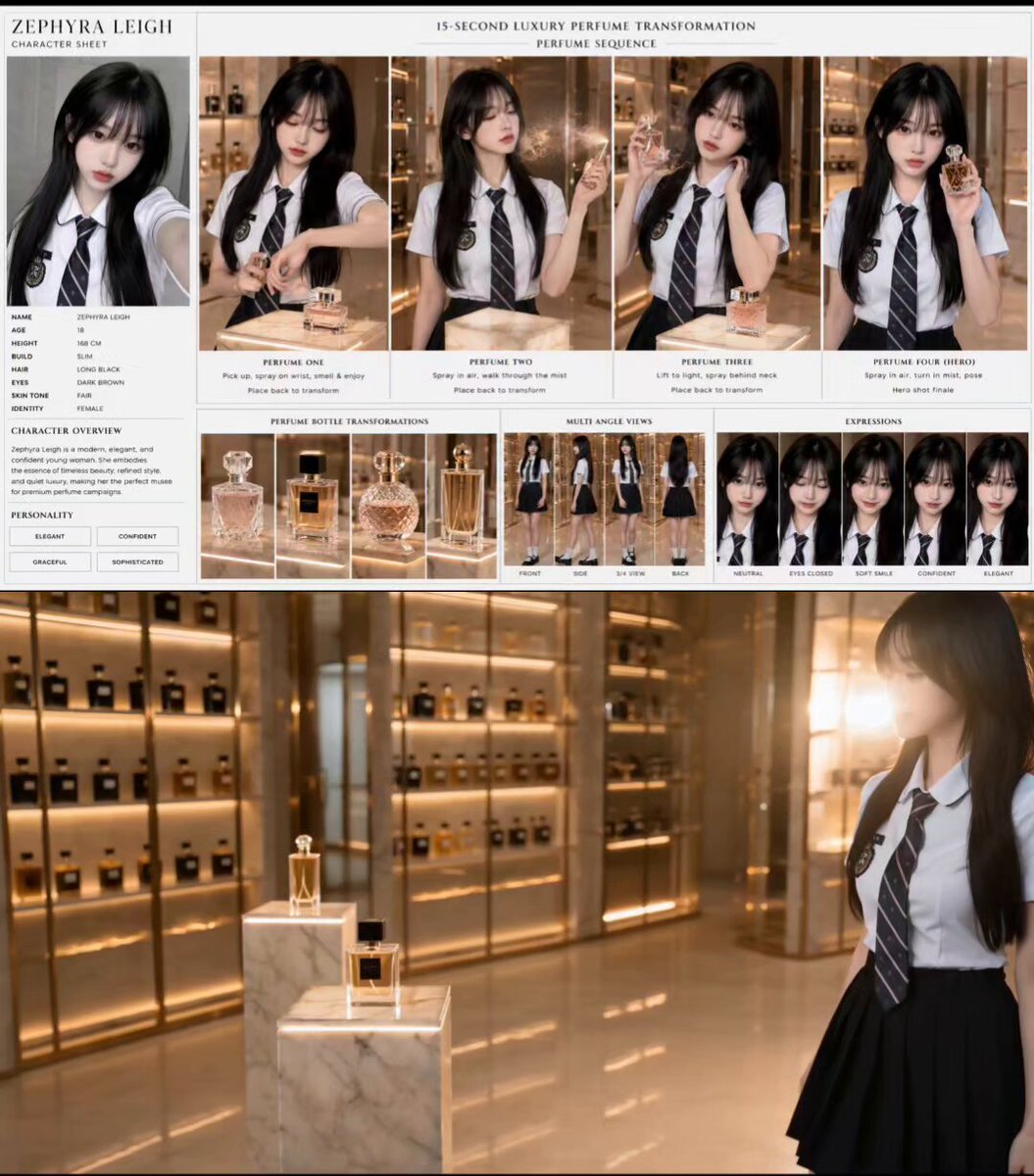
Use Reference 4 as the visual reference for the in-game minimap displayed in the bottom-left corner during the initial third-person gameplay sequence.

Match the minimap's general appearance, shape, placement, proportions, colors, road layout style, and visual treatment as closely as possible.

Reference 4 is specifically for the minimap UI, not for Lucia's appearance or the environment.

Do not display the minimap during the frontal wardrobe customization sequence.