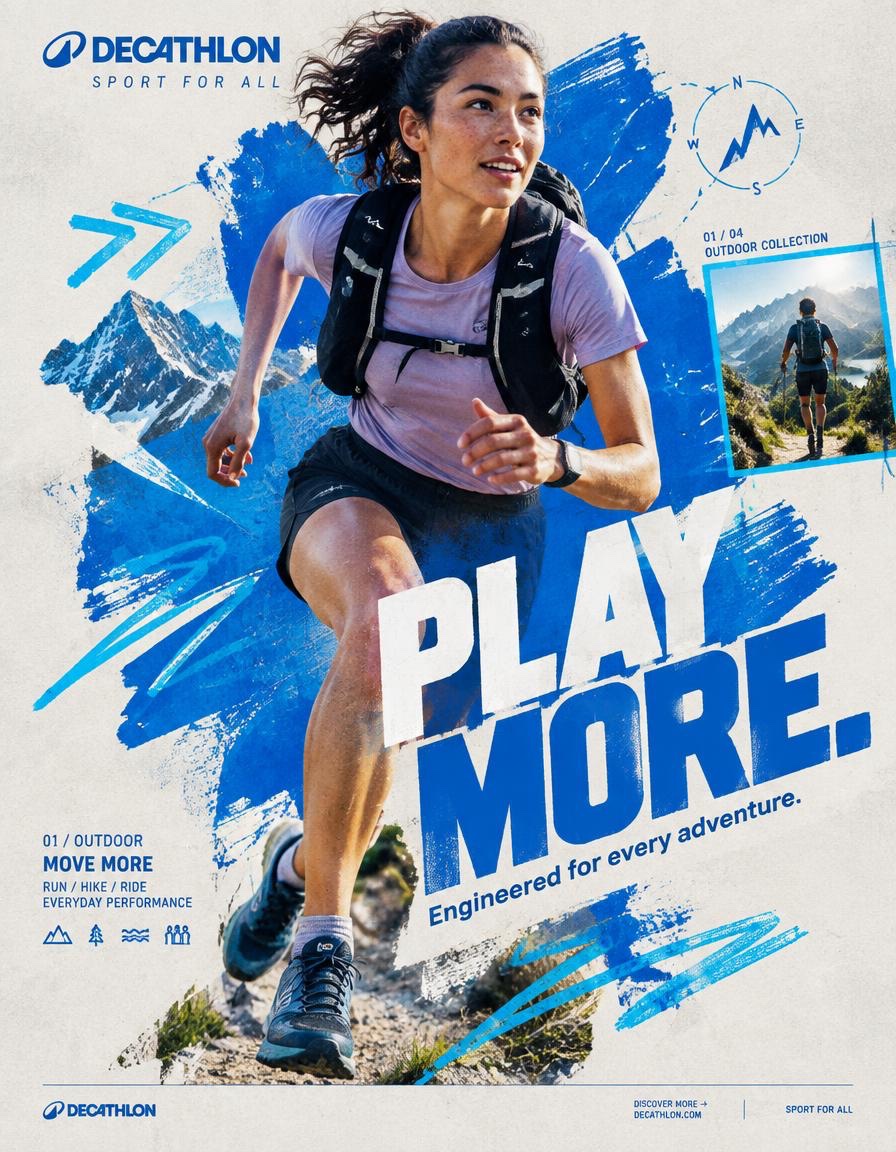
Quechua Play Outside Collage
조회3,934
좋아요140
댓글40
공유20
북마크57
인용1
QUECHUA — “PLAY OUTSIDE.”
BEHANCE-LEVEL DIGITAL COLLAGE CAMPAIGN
FORMAT
Ultra-Premium QUECHUA Outdoor Campaign Key Visual
Vertical 4:5 Instagram Hero Creative
Behance Front Page Quality
Global Outdoor & Hiking Campaign
Senior Social Media Art Direction
Contemporary Outdoor Photography × Handcrafted Digital Collage × Editorial Graphic Design
8K UHD
Hyper-Realistic Outdoor Photography
High-End Editorial Art Direction
Print-Quality Graphic Execution
Premium Commercial Adventure Campaign
Strong Visual Storytelling
Tactile Mixed-Media Aesthetic
Zero AI Slop
Zero Generic Hiking Advertisement
Zero Stock-Photo Feeling
Zero Influencer Travel Aesthetic
Zero Corporate Catalogue Layout
Zero Luxury-Adventure Copycat
Zero Random Graphic Decoration
The final artwork must feel deliberately designed by a senior art director and assembled by a professional digital collage artist — not generated as a collection of unrelated elements.
CREATIVE CONCEPT
CAMPAIGN:
“PLAY OUTSIDE.”
CORE MESSAGE:
THE OUTDOORS BELONGS TO EVERYONE.
The campaign celebrates the instinct to leave the ordinary behind.
A trail after work.
A mountain on the weekend.
A cold morning hike.
A sudden change in weather.
A long walk with friends.
A place you have never explored before.
Quechua becomes the equipment that makes everyday exploration possible.
The visual should communicate:
EXPLORATION
FREEDOM
DISCOVERY
ADVENTURE
MOVEMENT
RESILIENCE
COMMUNITY
OUTDOOR LIFE
The campaign should feel:
AUTHENTIC
ADVENTUROUS
YOUTHFUL
RAW
OPTIMISTIC
HUMAN
ENERGETIC
ACCESSIBLE
ART DIRECTION
Think:
QUECHUA × OUTDOOR EDITORIAL × MOUNTAIN JOURNAL × HANDCRAFTED POSTER × TOPOGRAPHIC MAP × CONTEMPORARY DIGITAL COLLAGE
The artwork should combine highly realistic outdoor photography with visibly handmade graphic interventions.
The contrast is essential:
REAL HUMAN
+
REAL OUTDOOR ENVIRONMENT
+
REAL QUECHUA PRODUCT
+
HANDMADE GRAPHICS
+
TOPOGRAPHIC INFORMATION
+
EDITORIAL TYPOGR


