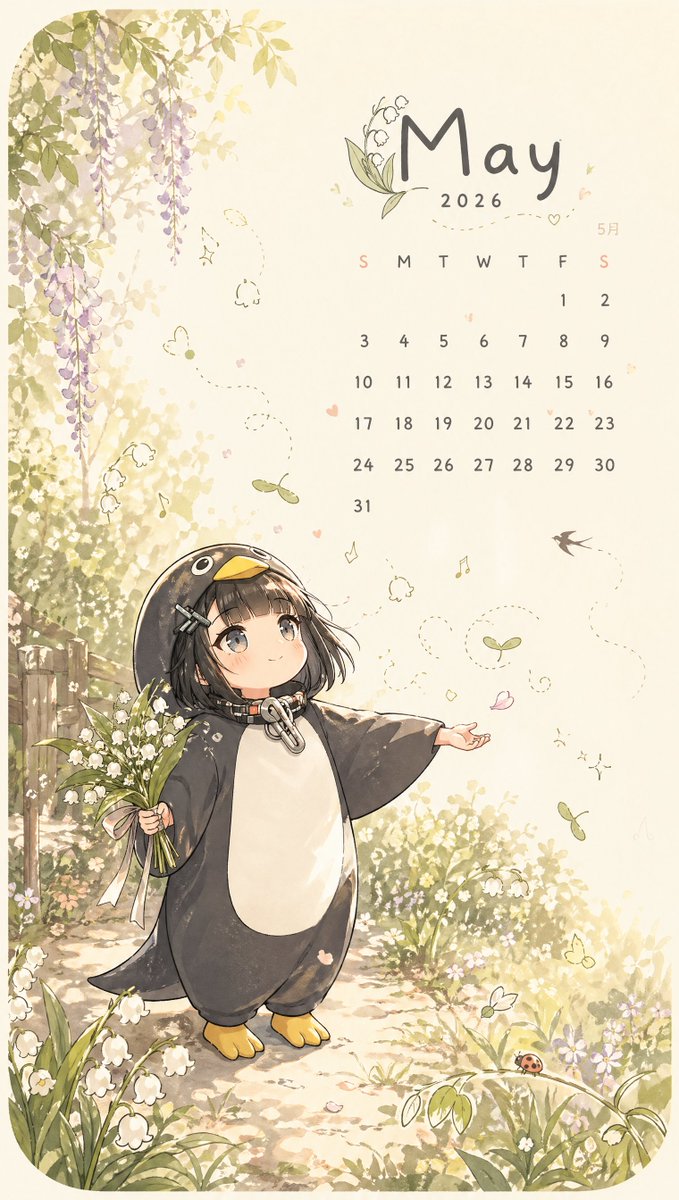
Whimsical May Spring Calendar
views7,400
likes199
comments6
shares37
bookmarks37
quotes1
A whimsical vertical illustrated calendar page for {argument name="month" default="May"} {argument name="year" default="2026"}, in a soft pastel watercolor anime style on warm cream paper. The composition is split visually with lush spring nature on the left and a clean calendar layout on the upper right. Show a young chibi anime girl with a short black bob, straight bangs, large gray-brown eyes, and a gentle smile, wearing an oversized penguin kigurumi with a dark charcoal body, white belly, yellow beak hood, tiny yellow feet, and a metallic clasp at the neck. She stands near the lower center-left on a sunlit garden path, holding a bouquet of white lily-of-the-valley flowers tied with a pale pink ribbon in her left hand, while extending her right hand outward as if greeting spring. Surround her with blooming lily-of-the-valley plants, tiny white wildflowers, soft greenery, and dappled golden sunlight. In the upper left, include cascading purple wisteria vines hanging from above, with a rustic wooden fence partly visible behind the foliage. Add delicate whimsical floating details across the page: dotted flight trails, 3 small butterflies, 3 drifting green seed pods, 2 tiny musical notes, 1 swallow in flight, scattered pink petals, and tiny heart doodles. At the bottom right, include 1 small red ladybug on a curved leaf. The calendar area should feature the large handwritten-style month title, a small lily-of-the-valley illustration integrated near the title, minimalist weekday initials reading S M T W T F S, and a neat monthly grid for 31 days with Sundays tinted softly pink and the rest in muted gray. Also include a small Japanese month label "5月" near the calendar. Overall mood: dreamy, innocent, airy, springtime, storybook-like, elegant and cozy, with light beige negative space and subtle sketchy linework.


