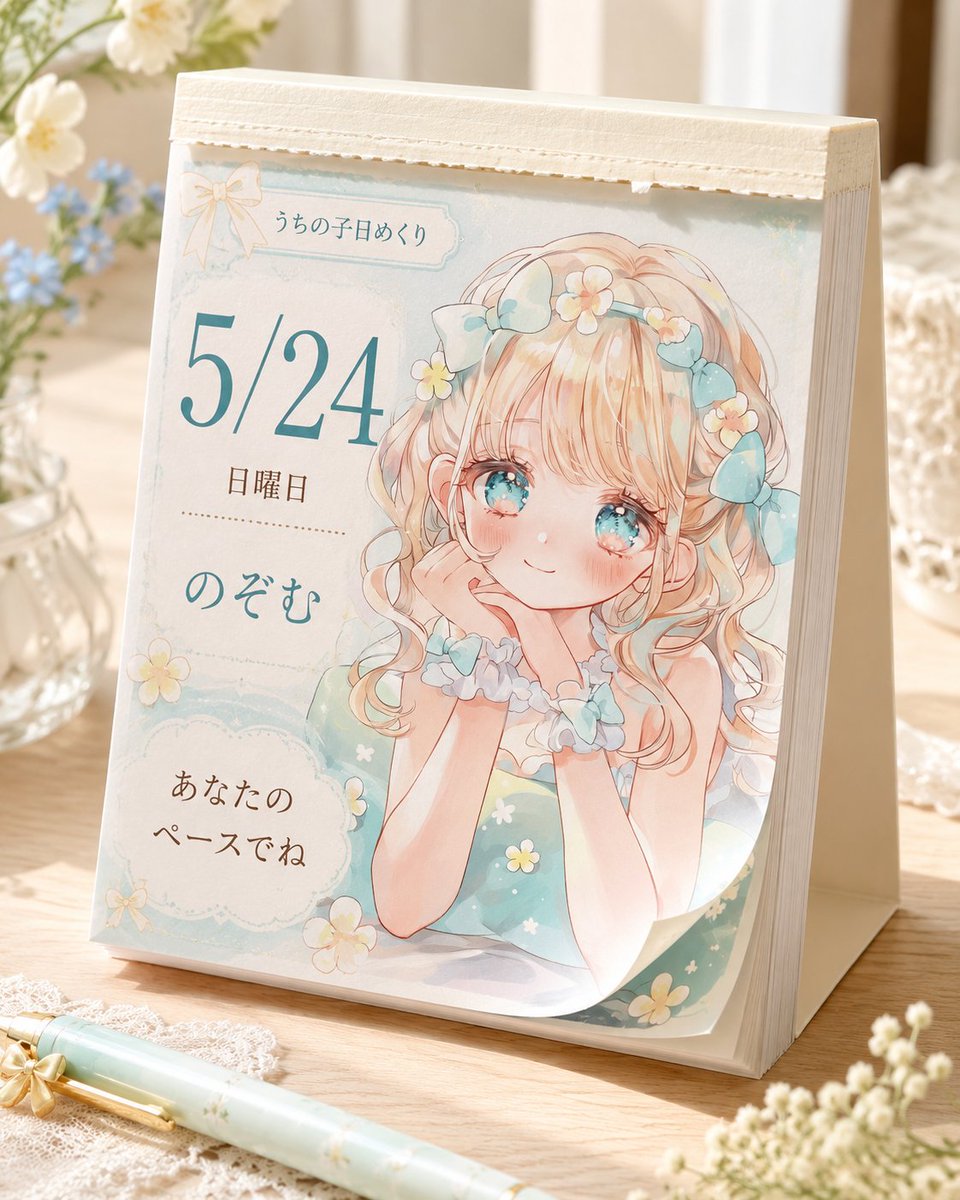
Cute Daily Anime Desk Calendar
views9,100
likes157
comments2
shares25
bookmarks81
quotes13
Create a photorealistic product mockup of a cute Japanese tear-off daily desk calendar standing on a warm wooden table in soft morning light. The calendar is an A-frame tabletop block with thick cream paper pages and a textured off-white binding strip along the top, viewed from a slightly front-left angle. The visible page has a pastel watercolor anime design in mint, cream, peach, and pale blue, with delicate paper texture, scalloped frames, tiny daisies, and a small bow ornament near the top. On the right half of the page, illustrate one sweet original anime girl: blonde peach-pink curly twin-tail hair, large sparkling aqua eyes, rosy cheeks, a gentle smile, chin resting on both hands, wearing a mint green dress with tiny white and yellow flowers, a frilly blue-white collar, scrunchie bracelets, and blue ribbon bows plus small flower clips in her hair. On the left half of the page, include exactly five text elements: top small label 「うちの子日めくり」, large date “{argument name="date" default="5/24"}”, weekday “{argument name="weekday" default="日曜日"}”, character name “{argument name="character name" default="のぞむ"}”, and a rounded cloud message box reading “{argument name="daily message" default="あなたのペースでね"}”. Use elegant Japanese typography, with the date in large teal serif numerals and the other text in soft brown and teal. Surround the calendar with cozy desk props: exactly one mint floral pen lying diagonally in the foreground, one glass vase with white and blue flowers on the left, one white lace cloth under the pen, one softly blurred glass container on the right, and small out-of-focus white blossoms in the lower right foreground. Keep the mood gentle, handmade, feminine, airy, and nostalgic, with shallow depth of field, warm highlights, realistic shadows, and no watermark or extra text.


