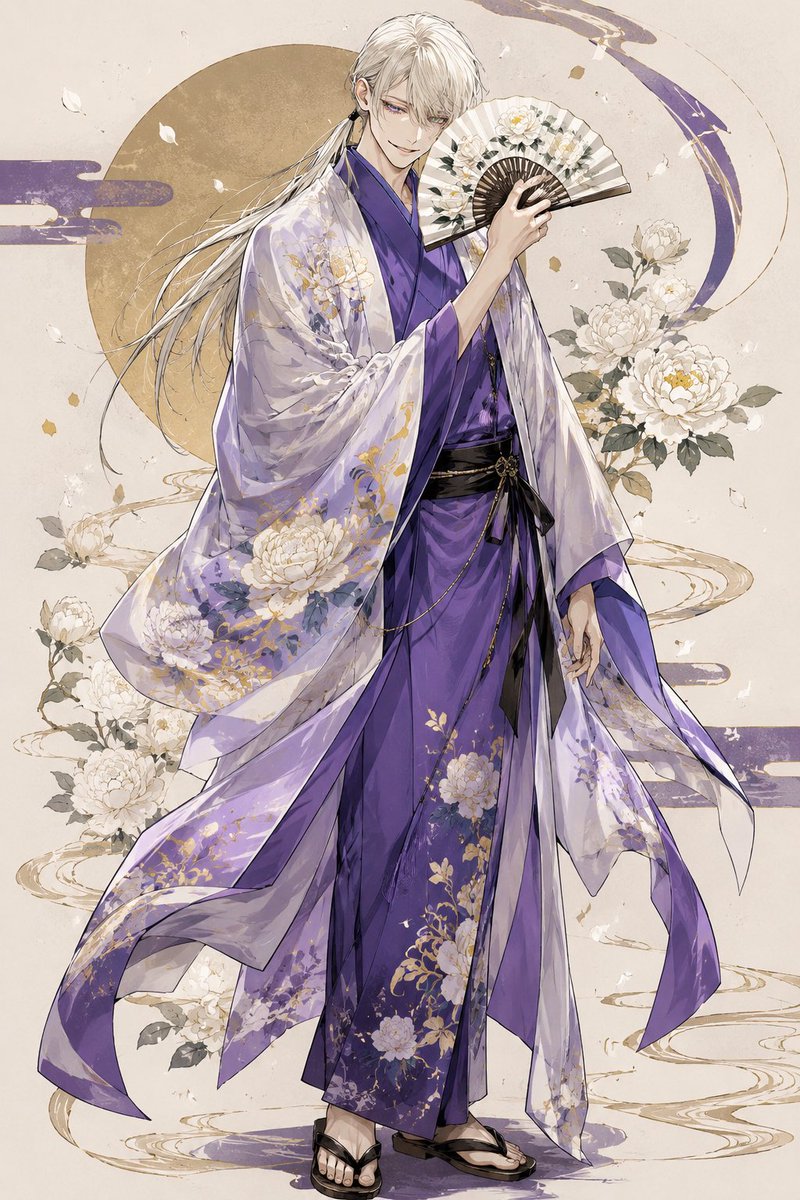
Elegant Purple Kimono Man
views222
likes15
comments0
shares1
bookmarks0
quotes0
Create a vertical full-body anime-style illustration of {argument name="character name" default="an elegant young man"} in a refined Japanese fantasy aesthetic. He has {argument name="hair color" default="long silvery-white hair"}, pale skin, a slim graceful build, soft violet-gray eyes, and a calm slightly mischievous smile; his hair is tied loosely behind one ear with long flowing strands drifting left. Dress him in a layered formal kimono: a deep {argument name="kimono color" default="royal purple"} inner robe, black obi belt with thin gold chain details, black-and-white geta sandals, and a translucent lavender outer haori that billows dramatically with long ribbon-like panels. The clothing is decorated with delicate white peony and gold botanical embroidery, with semi-transparent fabric folds and painterly highlights. He holds exactly 1 open folding fan near his face in his raised right hand; the fan is cream and dark brown with white floral decoration. Show exactly 1 standing character, exactly 1 fan, exactly 1 large muted gold circular moon disk behind his upper body, exactly 3 purple cloud-ribbon motifs in the background, and exactly 7 prominent white peony blossoms outside the clothing: 1 cluster to the right of his fan, 3 blossoms on the right side near his shoulder and torso, 2 blossoms on the lower left side, and 1 blossom near the lower center-left behind the robe. Add scattered white petals and small gold flecks around him, plus elegant circular ink-like water ripples around his feet and behind the robe. Use a soft ivory parchment background with subtle texture, muted gold accents, flowing composition, delicate line art, watercolor and ink wash rendering, high detail, ethereal atmosphere, and no text or watermark. The final image should be {argument name="aspect ratio" default="2:3 vertical"}, centered, with the full figure visible from head to sandals.


