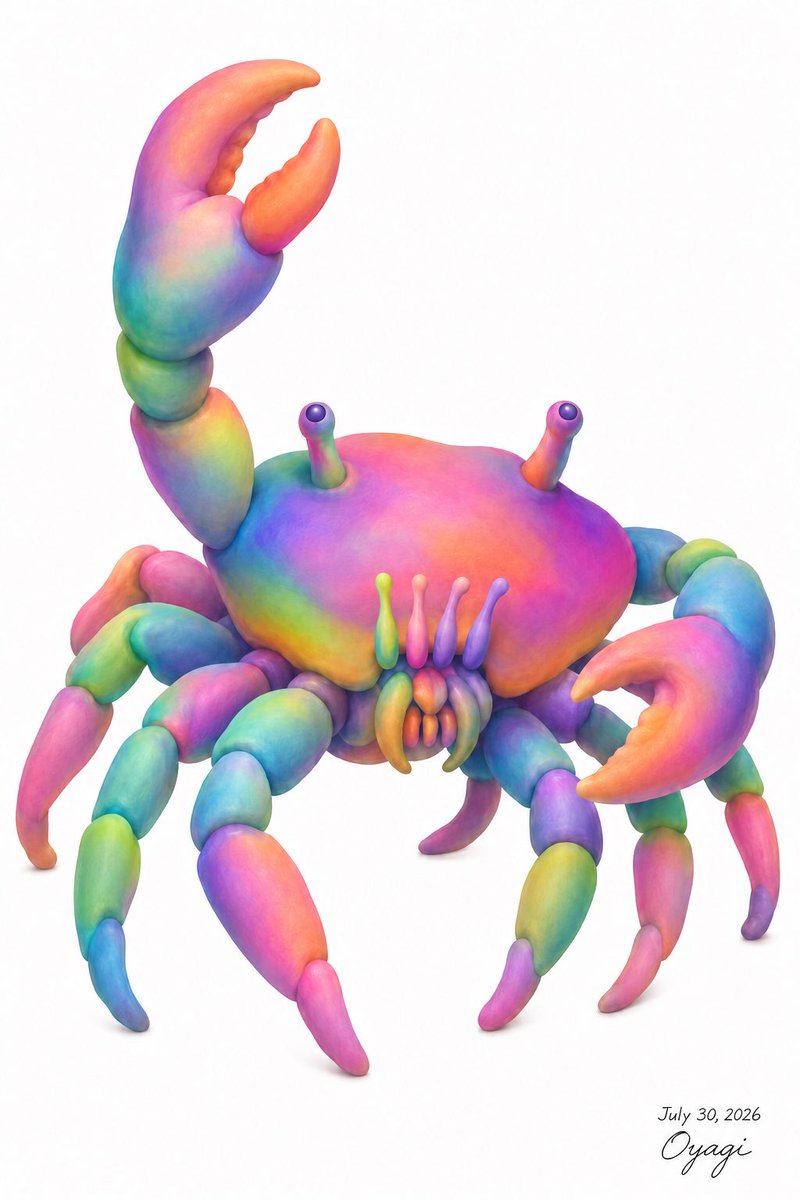
Rainbow Clay Crab Illustration
views199
likes4
comments0
shares1
bookmarks0
quotes1
Create a whimsical full-body 3D clay-like illustration of a crab on a clean white background, centered with lots of negative space. The crab should have a rounded smooth carapace, soft sculpted anatomy, and a vivid rainbow gradient surface with blended colors: hot pink, magenta, orange, yellow, lime green, turquoise, cyan, blue, and violet. Use a plush polymer-clay / soft airbrushed digital sculpture style with gentle subsurface shading, rounded forms, no hard outlines, and realistic contact shadows beneath the legs. The creature must include exactly 2 large raised claws: the left claw lifted high above the body with an open crescent pincer, and the right claw extended forward-right with an open pincer. Include exactly 8 segmented walking legs, 4 on each side, each made of rounded bead-like sections tapering into curved pointed tips, with alternating rainbow colors. Include exactly 2 eye stalks rising from the top of the shell, each ending in a small glossy dark purple spherical eye highlight. Include exactly 4 narrow vertical mouth feelers in front of the shell, plus 6 small clustered mouth appendages below them. The crab’s body should face slightly toward the viewer, angled three-quarters, with the shell broad and domed and the legs splayed naturally. Add a small handwritten signature and date in the lower right reading {argument name="signature text" default="July 30, 2026 Oyagi"}. Overall mood: cute, strange, biologically inspired but fantastical, like a detailed text-described crab transformed into a colorful toy sculpture. Use {argument name="main subject" default="rainbow crab"}, {argument name="background color" default="white"}, {argument name="art style" default="soft 3D clay illustration"}, and {argument name="color palette" default="saturated rainbow gradient"}. No extra objects, no frame, no watermark beyond the small signature.


